
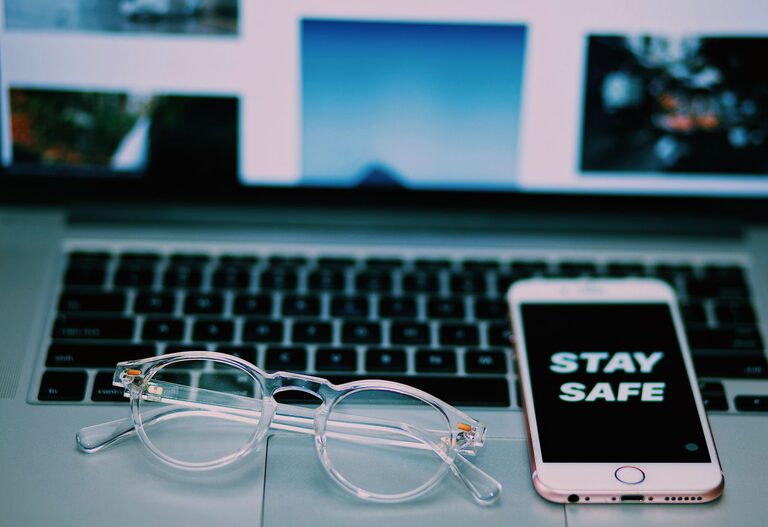
Keeping your phone and keyboard clean is essential for both hygiene and the longevity of your devices. Everyday use can cause a buildup of dirt, oils, and germs on these frequently touched surfaces. However, it’s important to clean them carefully to avoid damage. This guide will walk you through safe and effective methods to clean your phone and keyboard.
Why Clean Your Phone and Keyboard?
Phones and keyboards accumulate dust, grime, and bacteria from daily handling. Cleaning them regularly helps:
– Reduce the risk of spreading germs
– Improve device appearance
– Maintain proper function by preventing dirt buildup
– Extend the lifespan of your devices
General Tips for Safe Cleaning
Before you start cleaning, keep these safety tips in mind:
– Turn off and unplug your devices.
– Remove any cases or covers from your phone.
– Avoid using harsh chemicals, bleach, or abrasive materials.
– Use minimal liquid to prevent moisture damage.
– Use gentle, lint-free cloths or microfiber towels.
– Avoid spraying cleaners directly onto devices; instead, apply them to your cloth.
How to Clean Your Phone Safely
What You’ll Need:
– Microfiber cloth
– Cotton swabs
– Isopropyl alcohol (70% or less)
– Distilled water
– Small bowl or spray bottle
Step-by-Step Cleaning Process:
- **Power Off:** Turn off your phone and unplug any cables.
- **Prepare Cleaning Solution:** Mix equal parts of distilled water and isopropyl alcohol.
- **Wipe Down:** Lightly dampen a microfiber cloth with the solution. Wring out excess liquid so it’s just slightly moist.
- **Clean Surfaces:** Gently wipe the screen, back, and sides of your phone. Avoid the charging port and headphone jack.
- **Detail Cleaning:** Use a dry cotton swab to carefully clean around buttons, camera lenses, and ports.
- **Drying:** Let your phone air dry completely before turning it back on or replacing the case.
Tips:
– Avoid excessive moisture near speakers and microphones.
– For phones with a screen protector, cleaning is the same, but be extra gentle.
How to Clean Your Keyboard Safely
What You’ll Need:
– Compressed air canister
– Soft brush (e.g., paintbrush or makeup brush)
– Microfiber cloth
– Isopropyl alcohol (70% or less)
– Cotton swabs
Step-by-Step Cleaning Process:
- **Unplug Keyboard:** Disconnect your keyboard from the computer. For wireless keyboards, turn them off.
- **Remove Loose Debris:** Hold the keyboard upside down and gently shake to dislodge crumbs or dust.
- **Blow Away Dust:** Use compressed air to blow out dust between keys. Hold the can upright to avoid spraying liquid.
- **Brush Off Residue:** Use a soft brush to sweep away remaining dust from between keys.
- **Wipe Surfaces:** Lightly dampen a microfiber cloth with isopropyl alcohol solution and wipe the tops of keys and keyboard frame.
- **Detail Cleaning:** Dip cotton swabs in the alcohol solution to clean tight spaces and between keys.
- **Dry:** Allow the keyboard to fully air dry before plugging it back in or powering on.
Additional Tips for Mechanical Keyboards:
– If your keyboard allows, remove keys carefully with a keycap puller to clean underneath.
– Clean keycaps separately by soaking them in warm soapy water, then dry completely before reassembly.
Cleaning Your Devices Regularly
Make device cleaning part of your routine. Here’s a simple schedule suggestion:
– Weekly: Wipe down the phone and keyboard surfaces.
– Monthly: Do a more thorough cleaning including ports and detailed spots.
What to Avoid When Cleaning Electronics
– Avoid using bleach, ammonia-based cleaners, or household disinfectants.
– Don’t spray liquids directly onto devices.
– Keep moisture away from openings and internal parts.
– Avoid scrubbing hard or using abrasive materials.
– Never use paper towels which can scratch surfaces.
Conclusion
Cleaning your phone and keyboard safely doesn’t have to be complicated. With the right materials and gentle techniques, you can keep your devices looking great and free from germs without risking damage. Regular care is a small effort that pays off with better hygiene and longer-lasting electronics.
Remember, always follow manufacturer guidelines if available, and when in doubt, opt for gentle cleaning methods to protect your valuable devices.
About the Author