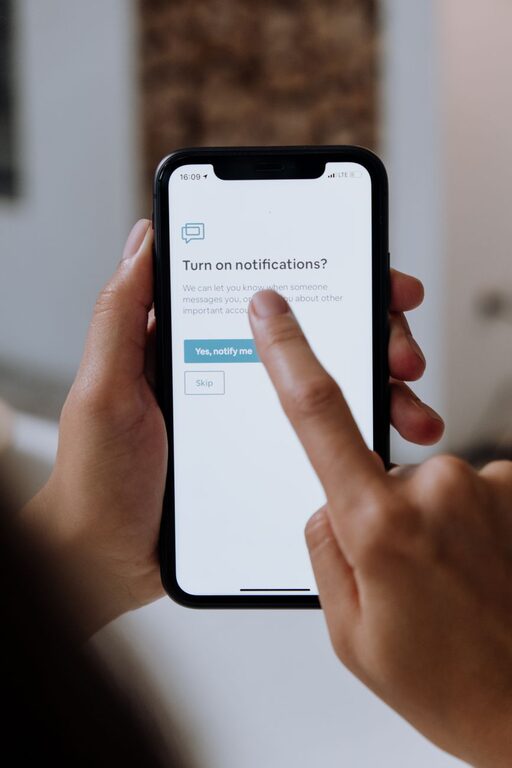
In today’s digital world, notifications from our smartphones, computers, and apps are constant. While notifications can be helpful reminders and alerts, too many can interrupt your flow and reduce productivity. Setting clear boundaries around notifications is essential for maintaining focus, managing your time effectively, and reducing stress. In this post, we’ll explore practical tips for setting boundaries with notifications so you can take back control of your attention.
Why Setting Boundaries with Notifications Matters
Notifications are designed to grab your attention instantly. When they pop up frequently, it can lead to constant interruptions, difficulty concentrating, and a feeling of being overwhelmed. By setting boundaries, you create space to focus on important tasks without distractions. This improves your productivity and enables better work-life balance by limiting when and how notifications reach you.
Assess Your Notification Habits
Before setting boundaries, it’s important to understand your current notification usage.
– Review which apps and devices send you notifications.
– Note how often you receive alerts throughout the day.
– Identify which notifications are truly important versus those that are unnecessary or repetitive.
This self-awareness helps you decide which notifications to keep and which to silence or disable.
Tips for Setting Boundaries with Notifications
1. Customize Notification Settings
Most devices and apps allow you to customize notification preferences.
– Limit app notifications: Turn off notifications for non-essential apps. For example, social media or game notifications can be a major distraction.
– Prioritize important alerts: Allow notifications only from key contacts or apps related to work, family, or urgent matters.
– Use notification categories: Some apps let you choose different types of alerts (e.g., messages, reminders). Disable less important categories.
2. Set Scheduled “Do Not Disturb” Times
Use the built-in “Do Not Disturb” mode on your phone or computer to mute notifications during focused work periods or personal time.
– Schedule “Do Not Disturb” hours during your most productive times.
– Activate it during meals, workouts, or before bedtime to reduce interruptions.
– Customize exceptions so important contacts can still reach you when necessary.
3. Disable Notification Sounds and Vibrations
Sounds and vibrations can be particularly disruptive.
– Turn off sound alerts and vibrations to minimize distractions.
– Use silent notifications so you can check alerts when convenient rather than being interrupted immediately.
4. Use Notification Summary Features
Some devices offer daily or scheduled summaries compiling all notifications.
– Review your notifications at set times rather than instantly responding to each alert.
– This approach reduces constant interruptions and helps you maintain focus throughout the day.
5. Set Physical Boundaries with Devices
In addition to digital boundaries, consider physical limits.
– Keep your phone in another room while working or spending quality time with family.
– Use airplane mode or switch off devices during focused sessions or important meetings.
– Designate “phone-free” zones in your home or workspace.
6. Inform Contacts About Your Notification Preferences
Communicate with colleagues, friends, and family about your notification boundaries.
– Let them know your preferred communication methods and times.
– Encourage them to use emails or messages for non-urgent matters instead of instant messaging or calls.
7. Regularly Revisit and Adjust Settings
Your notification needs may change over time.
– Periodically review your settings to ensure they still align with your priorities.
– Adjust as needed to maintain a healthy balance between staying informed and avoiding distraction.
Benefits of Setting Notification Boundaries
Implementing these strategies can lead to several positive outcomes:
– Increased concentration and productivity during work or study.
– Less stress caused by constant digital interruptions.
– Better work-life balance with clearer separation between work and personal time.
– Improved sleep quality when notifications are silenced during nighttime.
– Greater overall digital wellness and control over technology use.
Final Thoughts
Notifications are useful tools when managed thoughtfully. By customizing your notification settings, scheduling quiet times, and communicating your preferences, you can reduce distractions and regain control over your attention. Setting boundaries with notifications is a simple yet powerful way to improve focus, boost productivity, and enhance your overall well-being in today’s connected world.
Try implementing these tips gradually and observe how they improve your daily habits. You might be surprised by how much more present and productive you feel without the constant buzz of alerts.
About the Author